How Checked Off Actually Works
What using Checked Off day-to-day actually looks and feels like, and the thinking behind why it works this way.

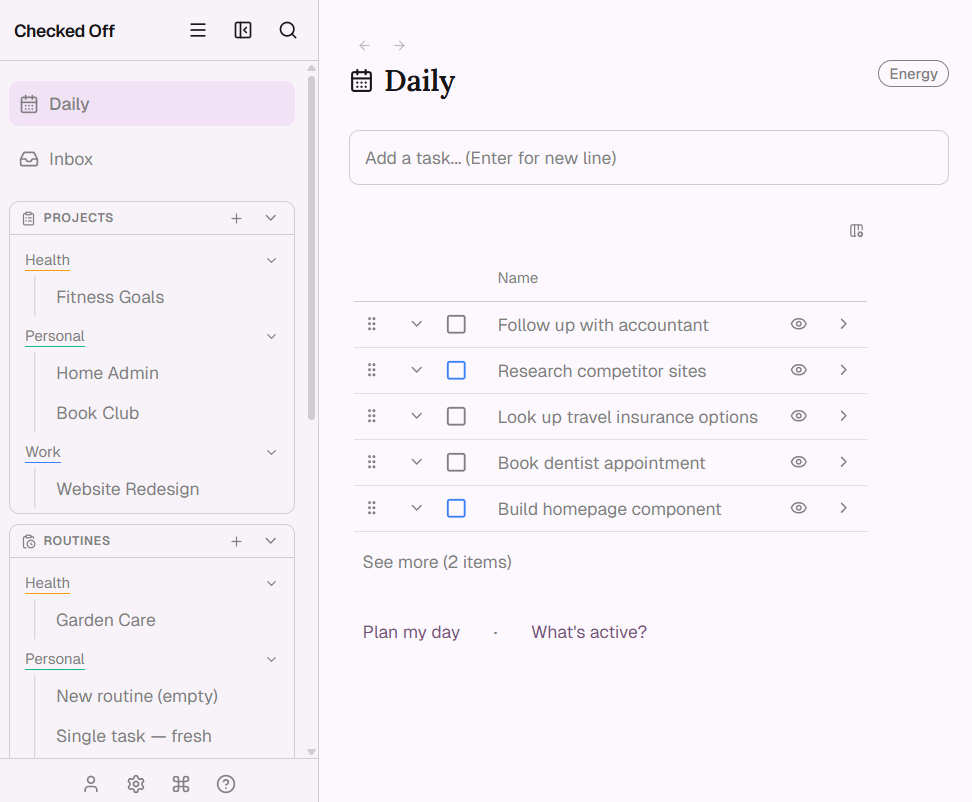
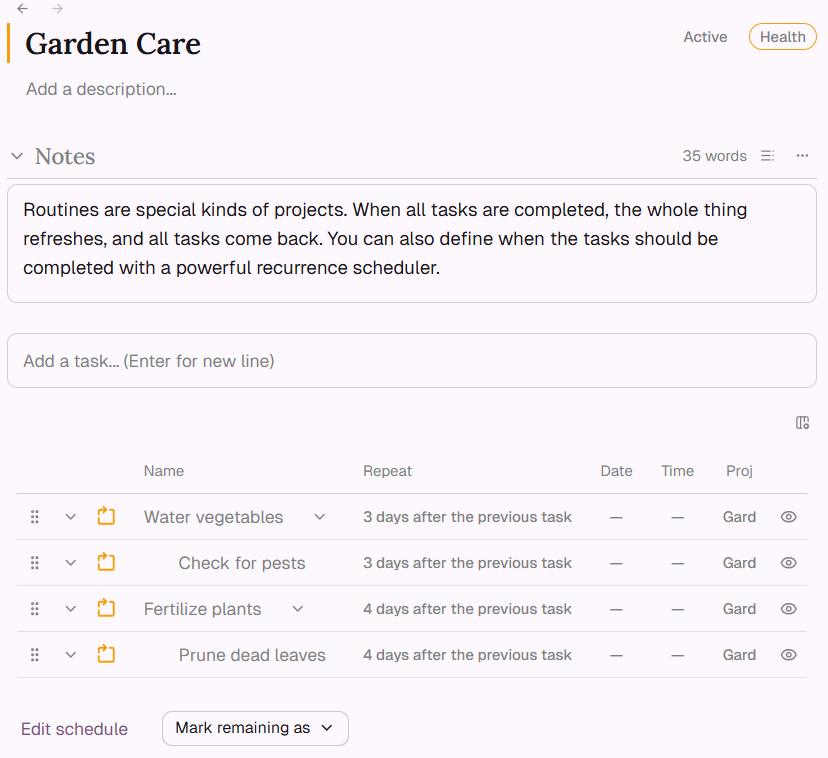
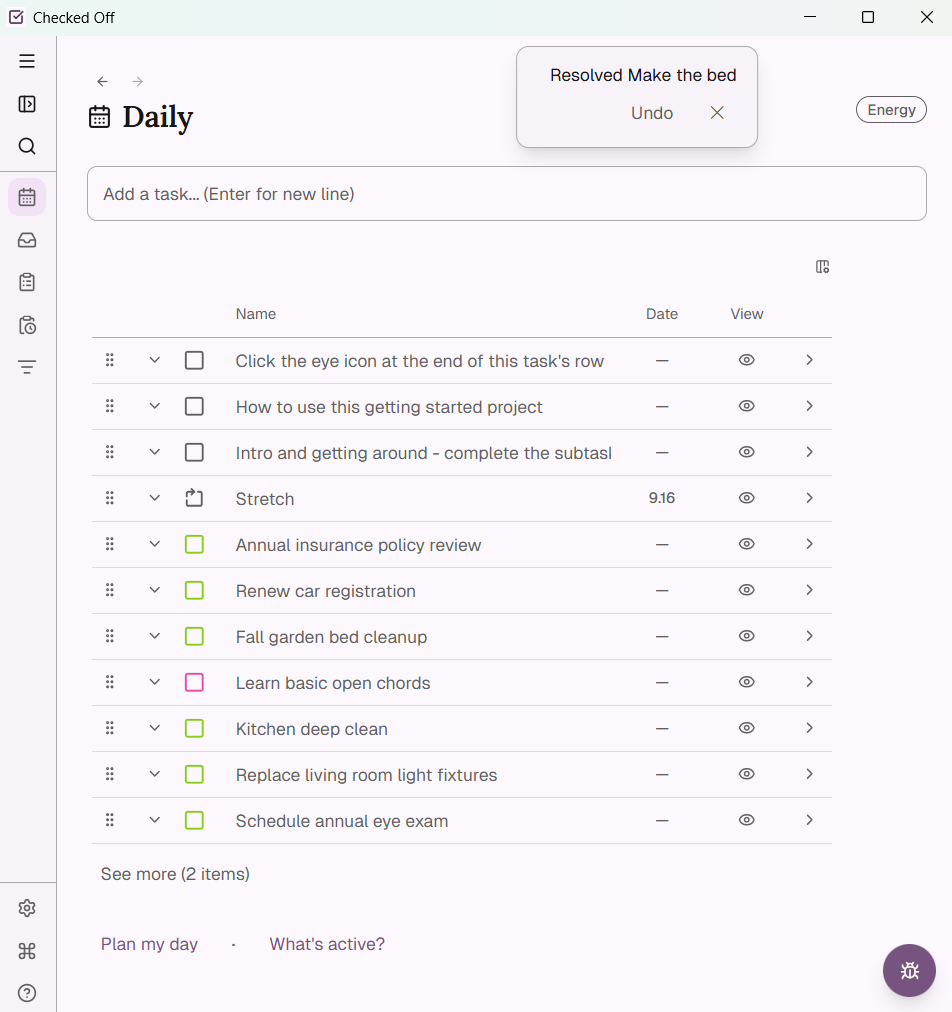
Routines Show One Item at a Time
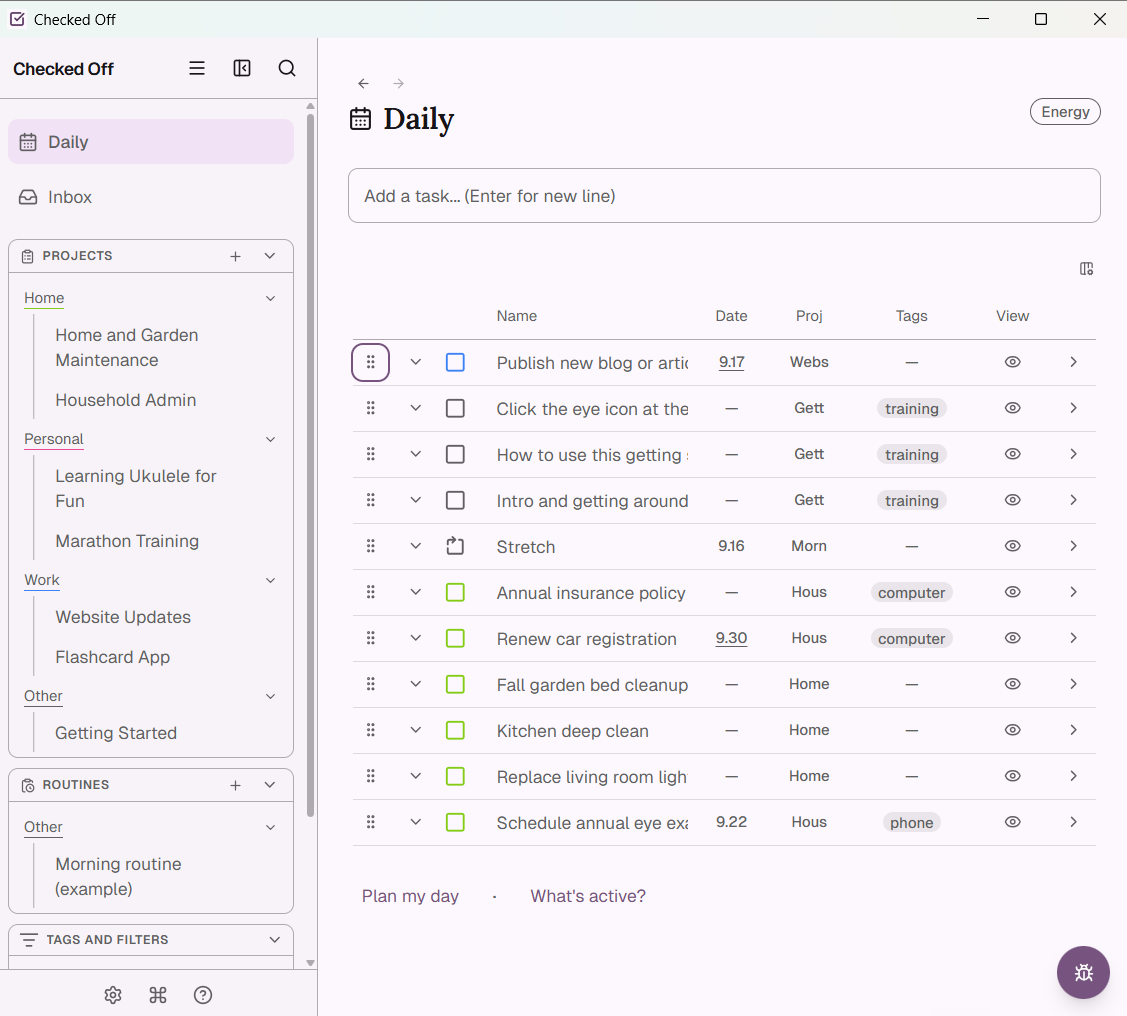
A routine that shows its full list at once is a routine that displays its total weight at every glance. Checked Off shows you the next item, then the next.
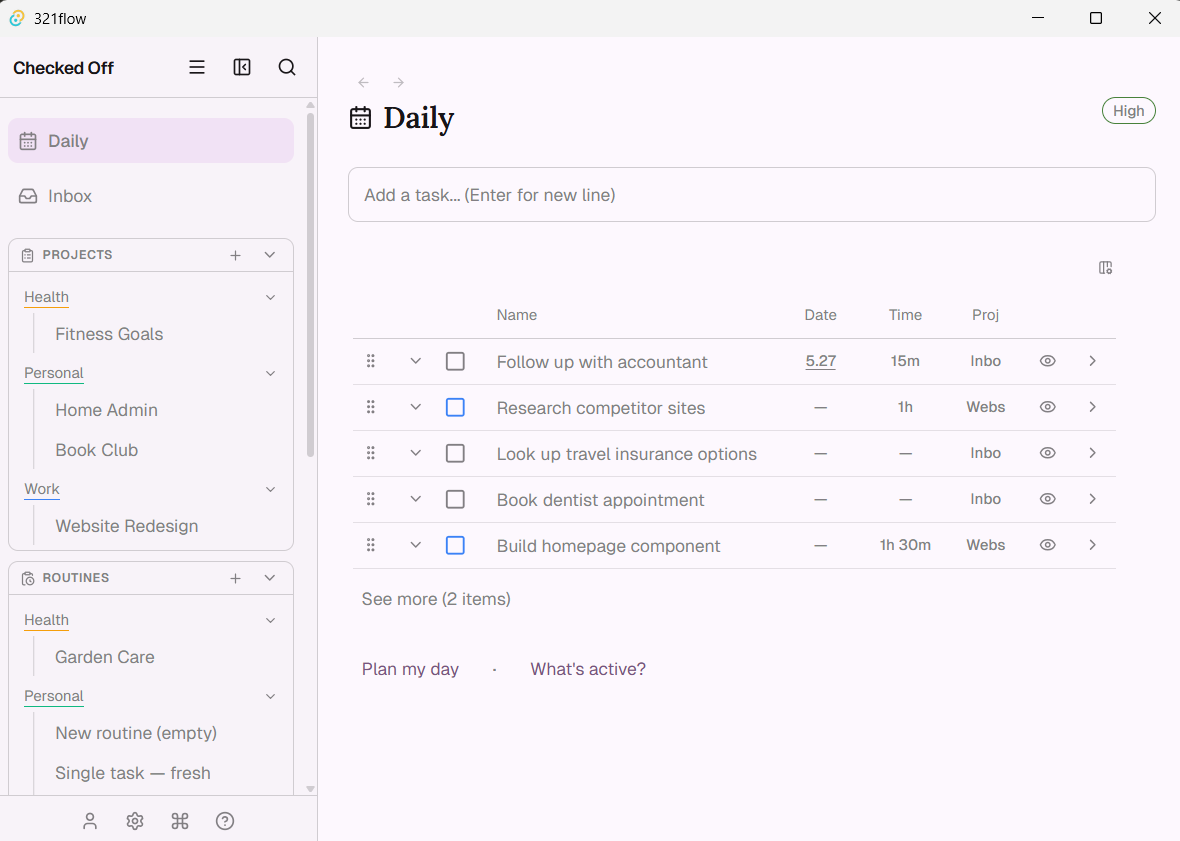
What it is. When a Checked Off routine activates for the day, the daily view does not show the full list of items. It shows one - the next one. Completing it, skipping it, or marking it forgotten surfaces the next. When the last item due that day is done or handled, the routine disappears from view and reappears on the next scheduled day. The problem it solves. A routine that shows its full list at once is a routine that displays its total weight at every glance. For a sim…
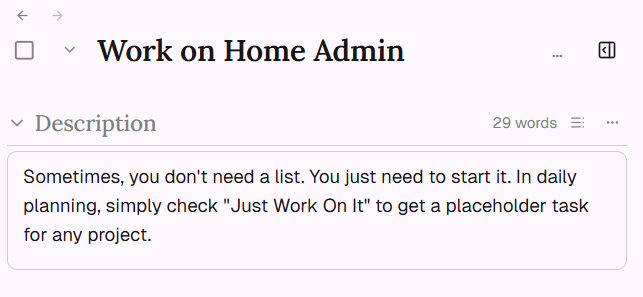
"Make Progress On" as a Task Type
Some work refuses to decompose into next actions in advance. The honest planning unit isn't an action - it's an allocation. Checked Off has a task type for it.
No Backfill, No Guilt Piling
Miss a day, or a week, on a recurring task. You get one instance to handle - the current one. The past doesn't return as a to-do list.